
How to Reset Your CoinUnited.io Account Login Password?
CoinUnited.io APP
1. Tap "Log In" on your CoinUnited.io APP
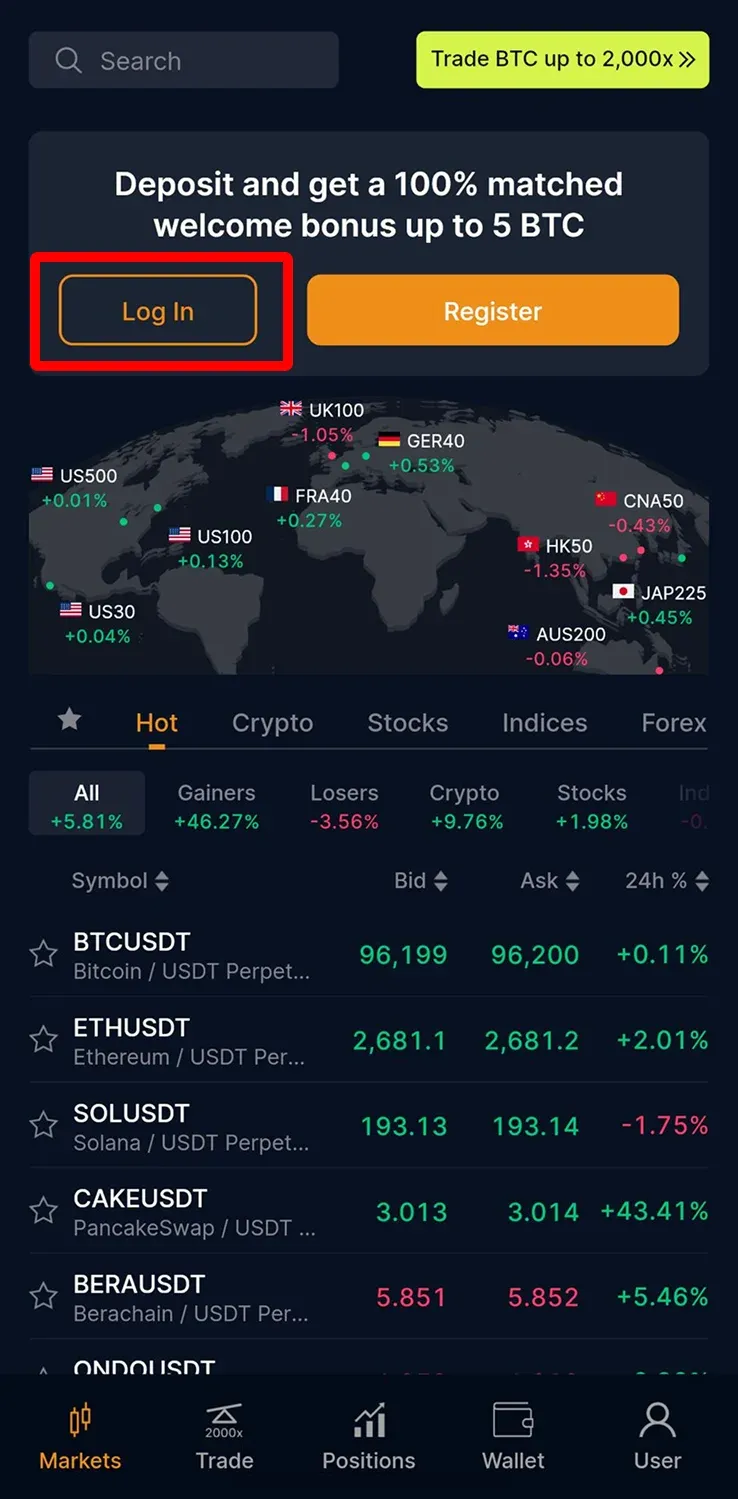
2. Tap "Forgot password?"
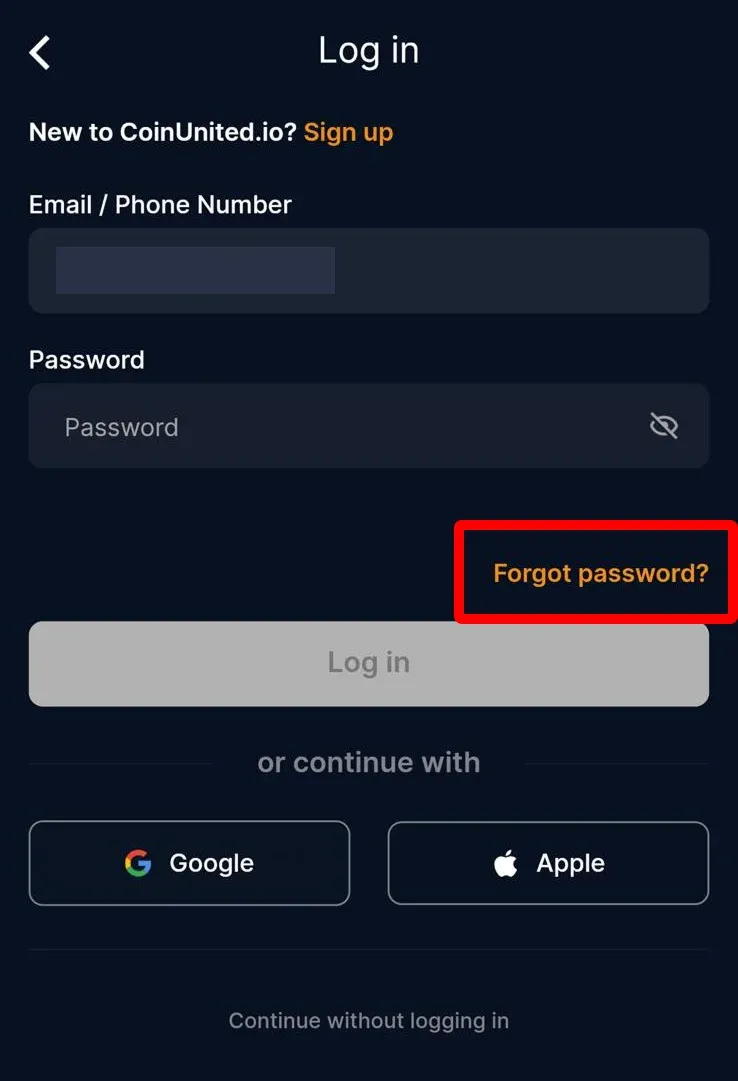
3. Enter your email or phone number. Then, tap "Next"
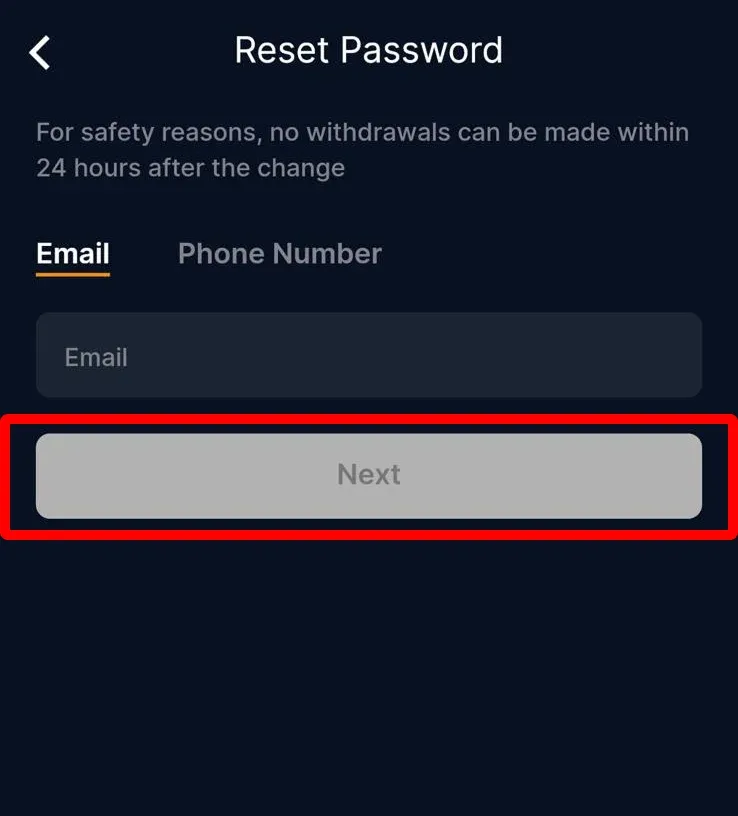
4. Enter a new password, and confirm the password again. Then, tap "Confirm"
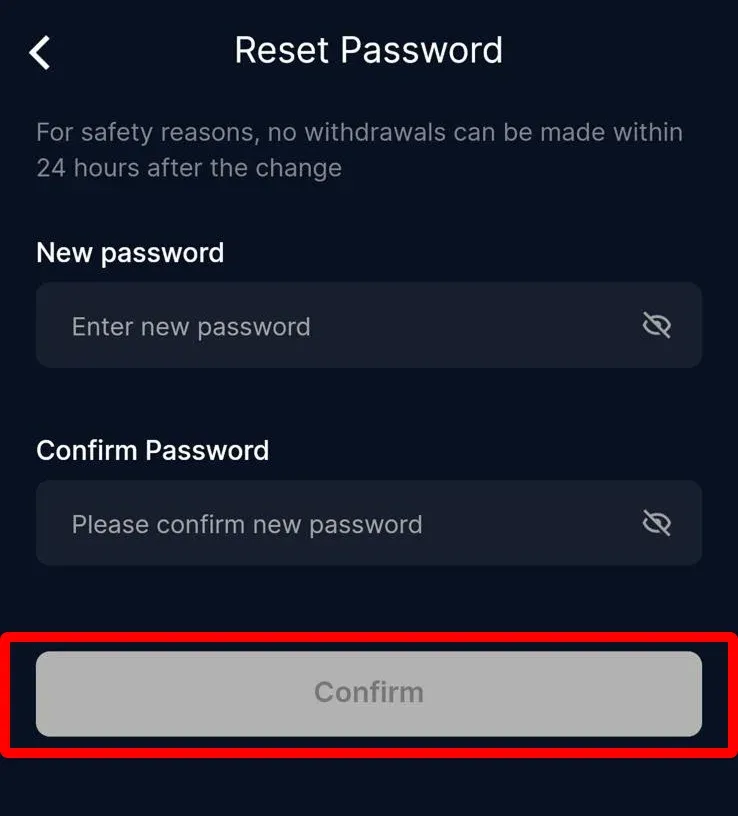
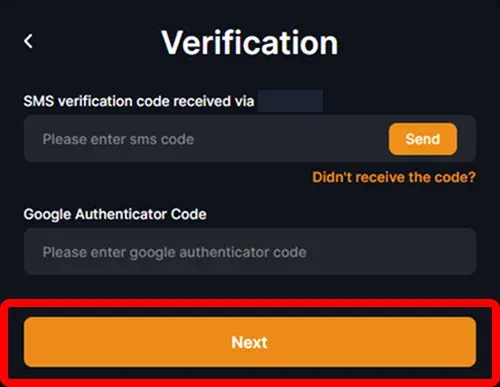
5. Enter your sms, email, and google 2FA verification code. Then, tap "Next"
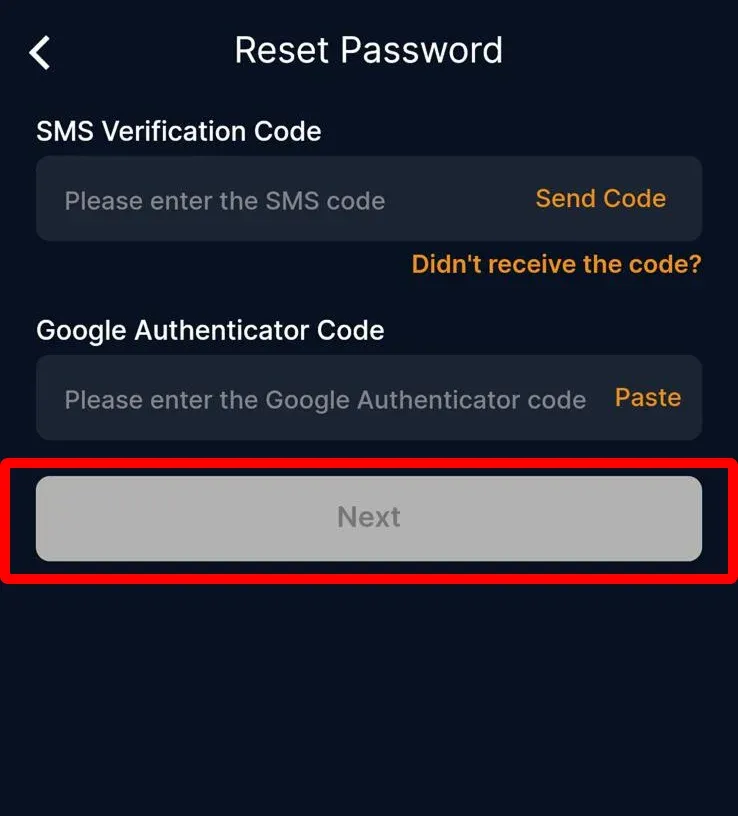
Your password has been reset successfully. Please use the new password to log in to your account.
CoinUnited.io Web Platform
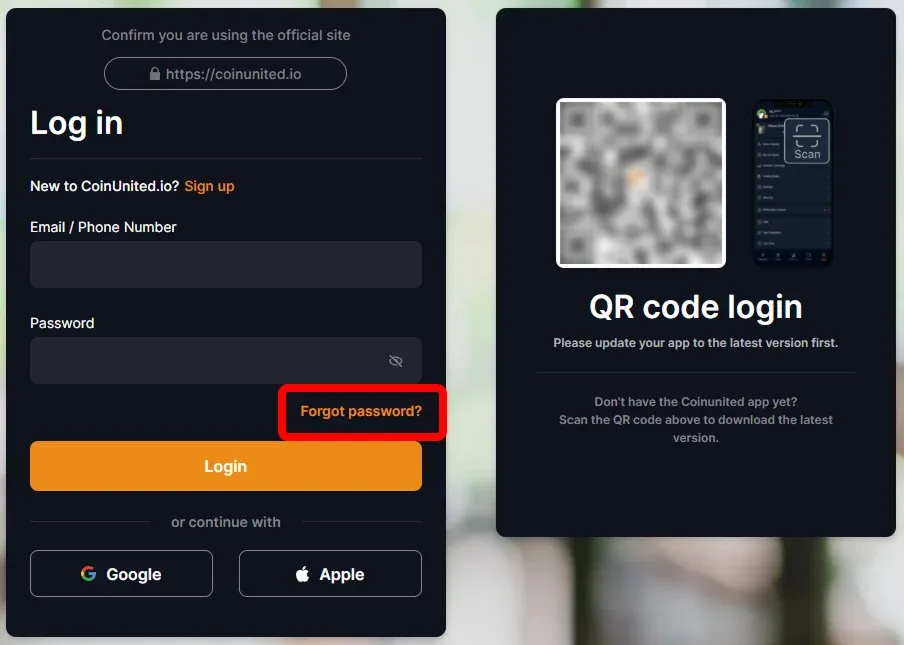
1. Go to CoinUnited.io Web Platform Login page

2. Click "Forgot password"
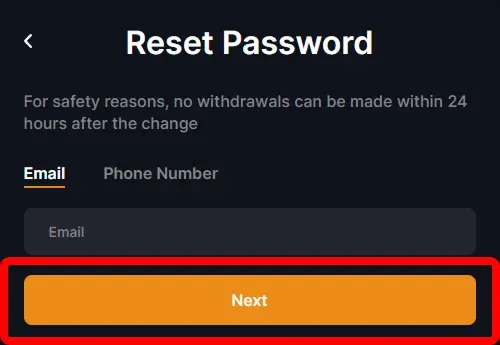
3. Enter your email or phone number. Then, click "Next"
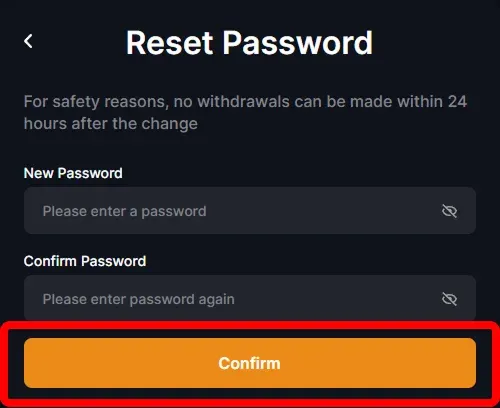
4. Enter a new password, and confirm the password again. Then, click "Confirm"
5. Enter your sms, email, and google 2FA verification code. Then, click "Next"
Your password has been reset successfully. Please use the new password to log in to your account.
An bhfuil tuilleadh cabhrach uait?
Le haghaidh ceisteanna breise nó fadhbanna, tabhair cuairt ar ár Lárionad Cabhrach nó bain úsáid as ár chatbot le haghaidh cúnamh.
Táimid anseo chun cabhrú leat. Trádáil rathúil!
Nuashonraithe go deireanach: 8 Bealtaine 2025
Ar fhreagair sé seo do cheist?