
How to Download CoinUnited.io App?
You can download CoinUnited.io mobile crypto trading APP from:
Android
Method 1: Use the Web App
Step 1: Open the Web App
Click on the "Download Web App" button on our download page, or type "coinunited.io/markets" into your browser on your phone.
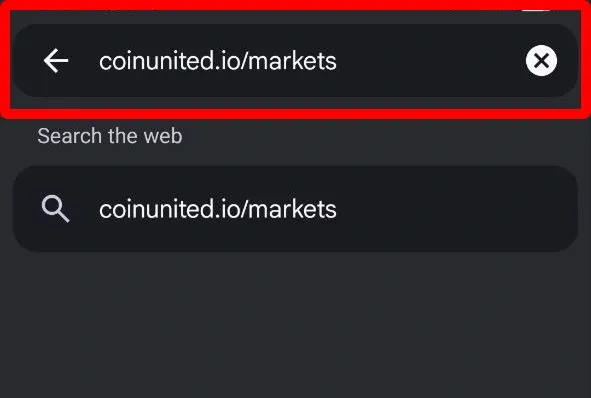
Or simply scan the QR code below:

The Web App opens straight away — no app store, no download. Now add it to your home screen so you can get back in one tap.
Step 2: Add to Home Screen
1. When you see the pop-up or the bar at the bottom of the screen, tap "Add now".
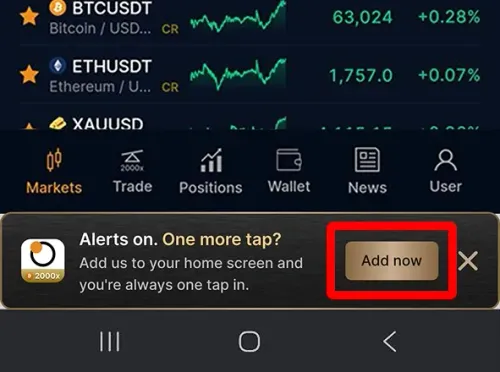
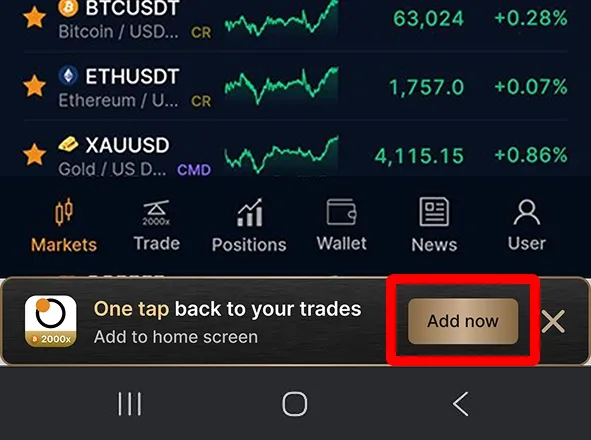
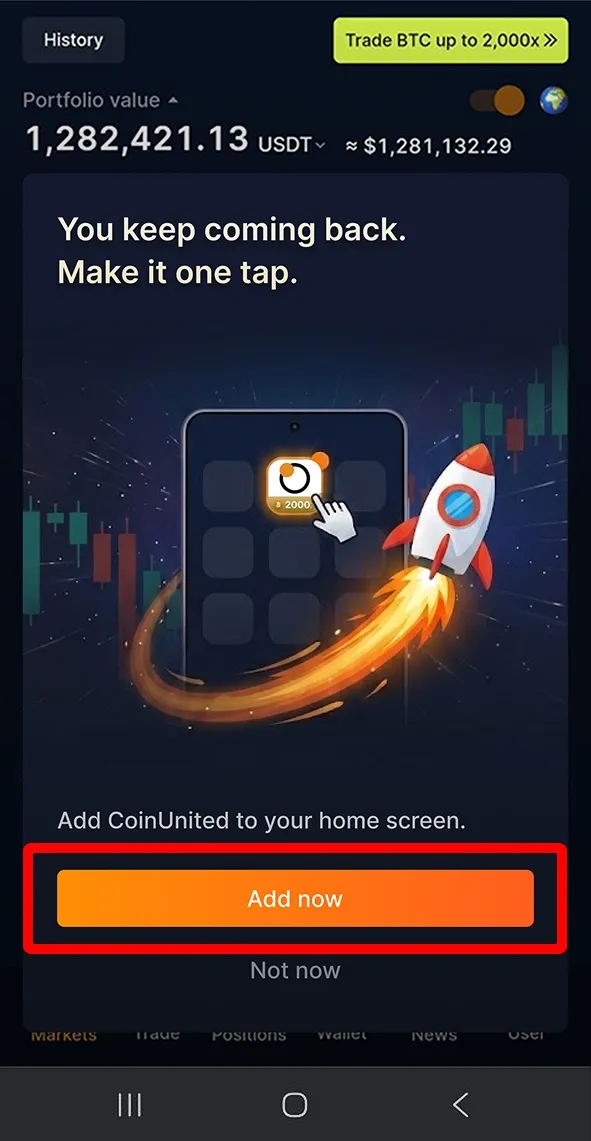
2. This creates a CoinUnited.io icon on your home screen, so you're always one tap away from your trades.
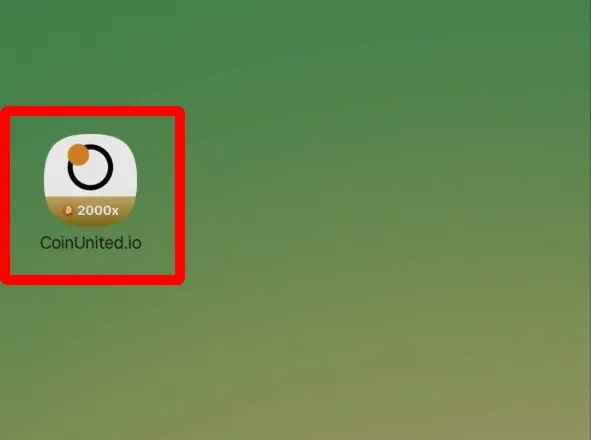
Method 2: Download the APK File
Step 1: Visit our download page
Step 2: Tap "Download for Android (APK)"
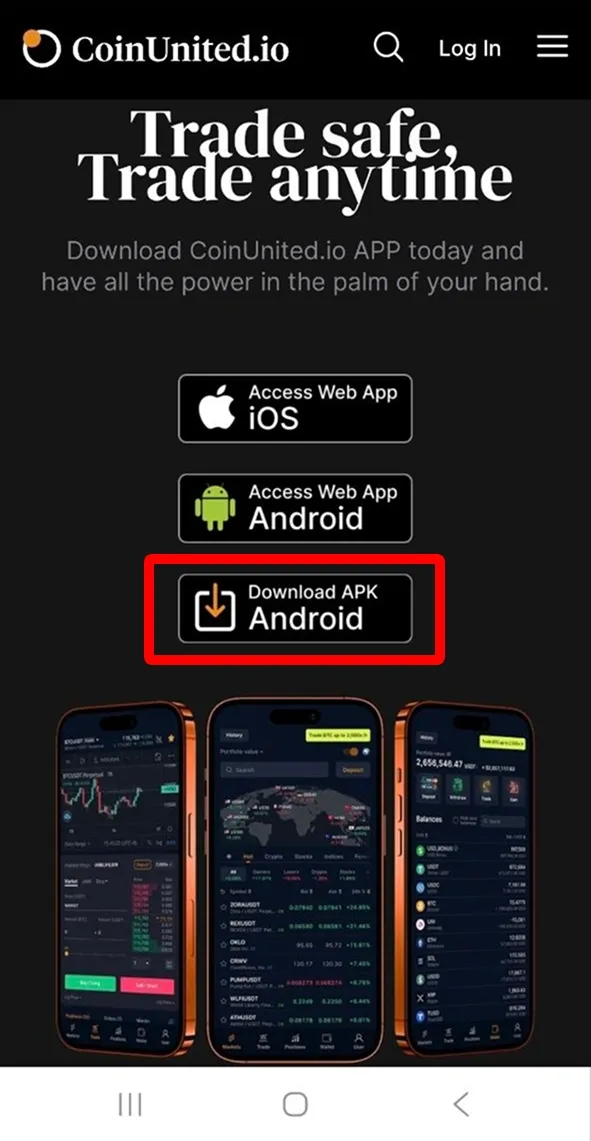
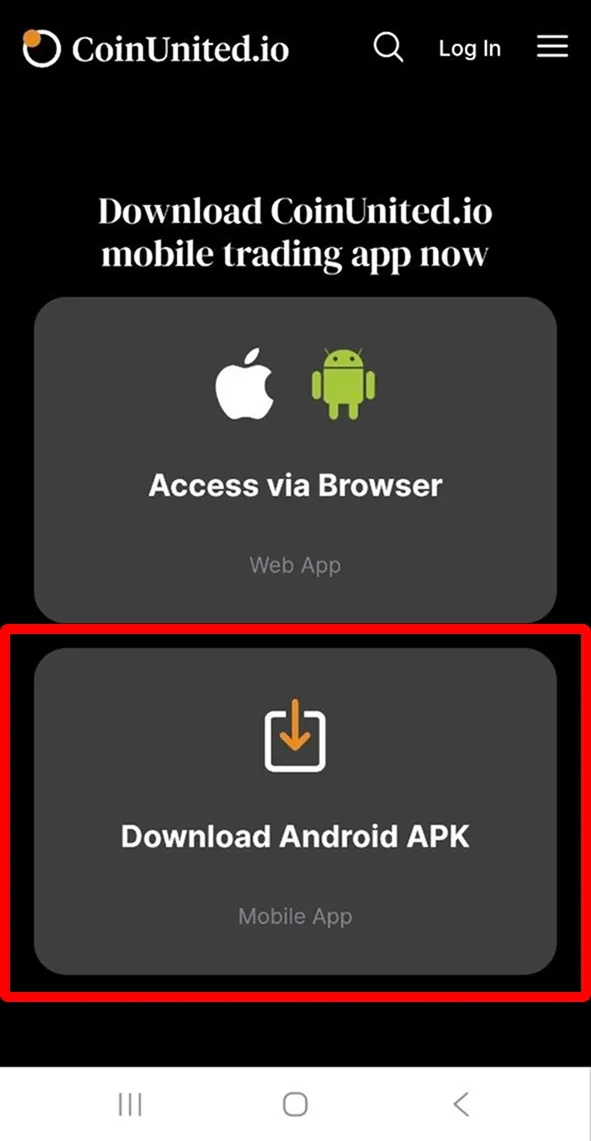
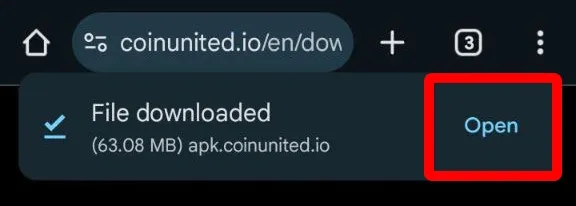
Step 3: Once the file finishes downloading, a pop-up may appear—tap "Open"
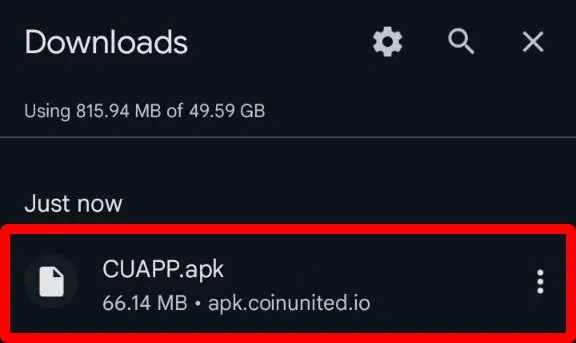
Step 4: Find "CUAPP.apk" in your “Downloads” and tap on it
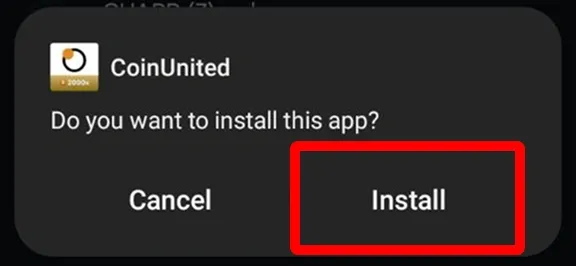
Step 5: Tap "Install"
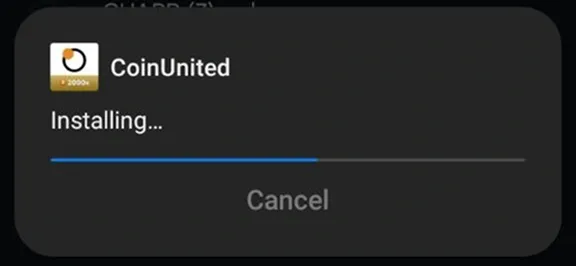
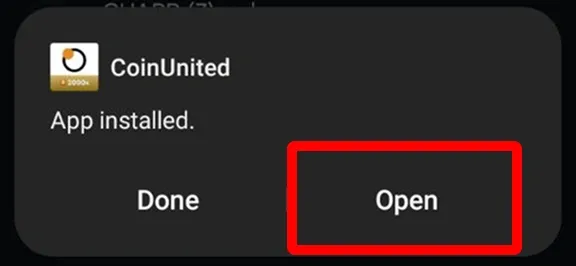
Step 6: After installation, tap "Open" to launch the CoinUnited.io app.
iOS
Step 1: Download the Web App
Click on the "Download Web App" button on our download page, or type "coinunited.io/markets" into your Safari browser on your phone.
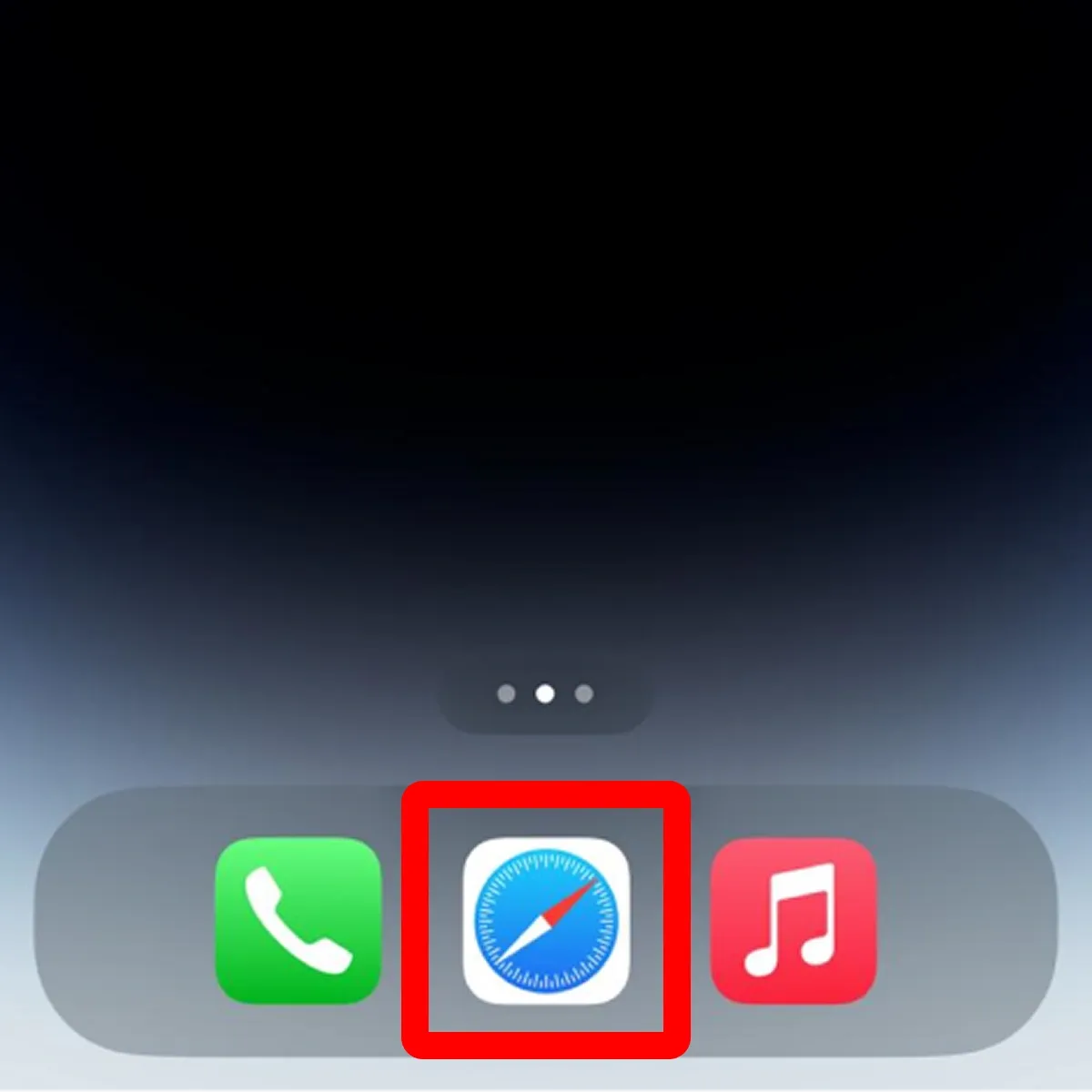
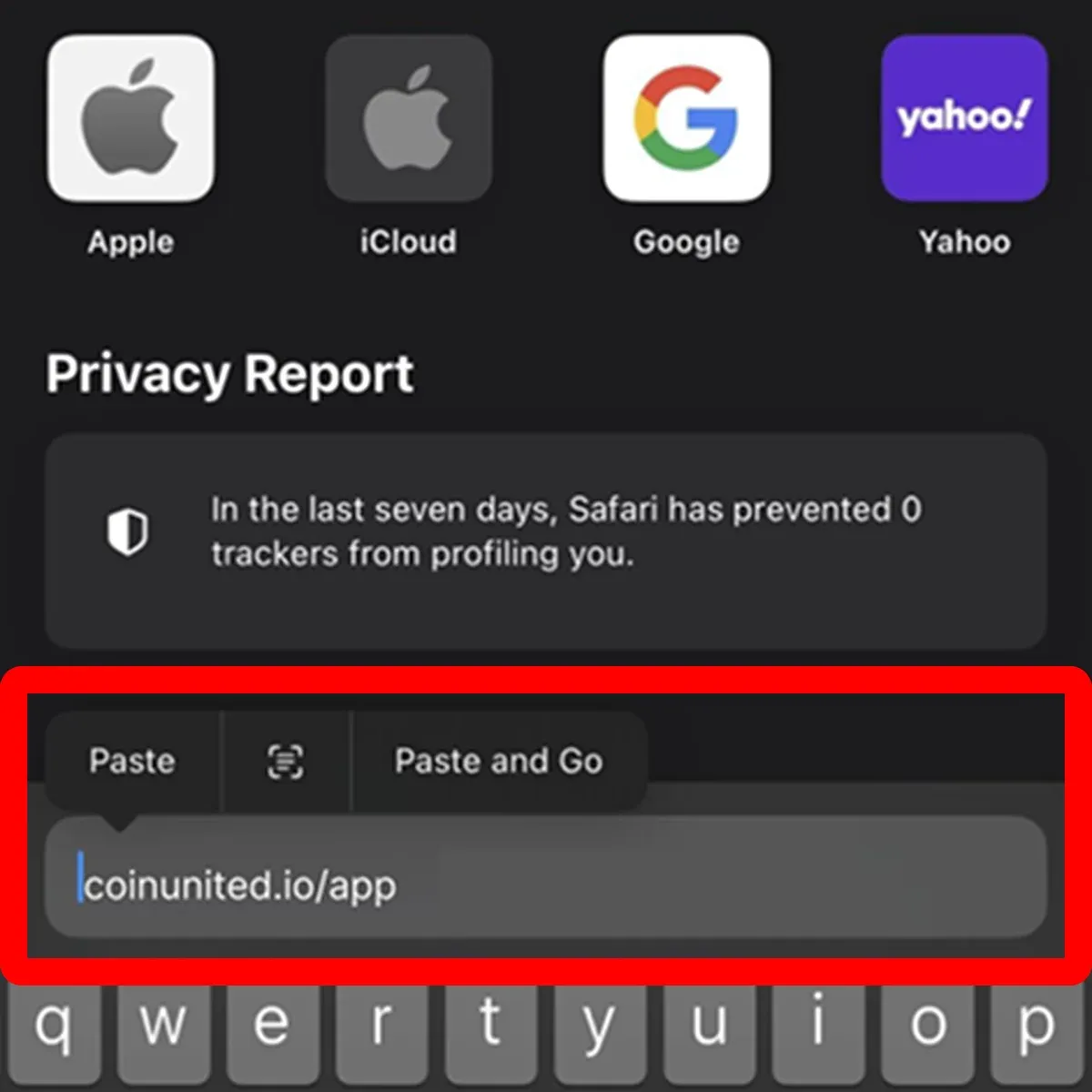
Or simply scan the QR code below:
Step 2: Add to Home Screen
1. Tap the "Share" button
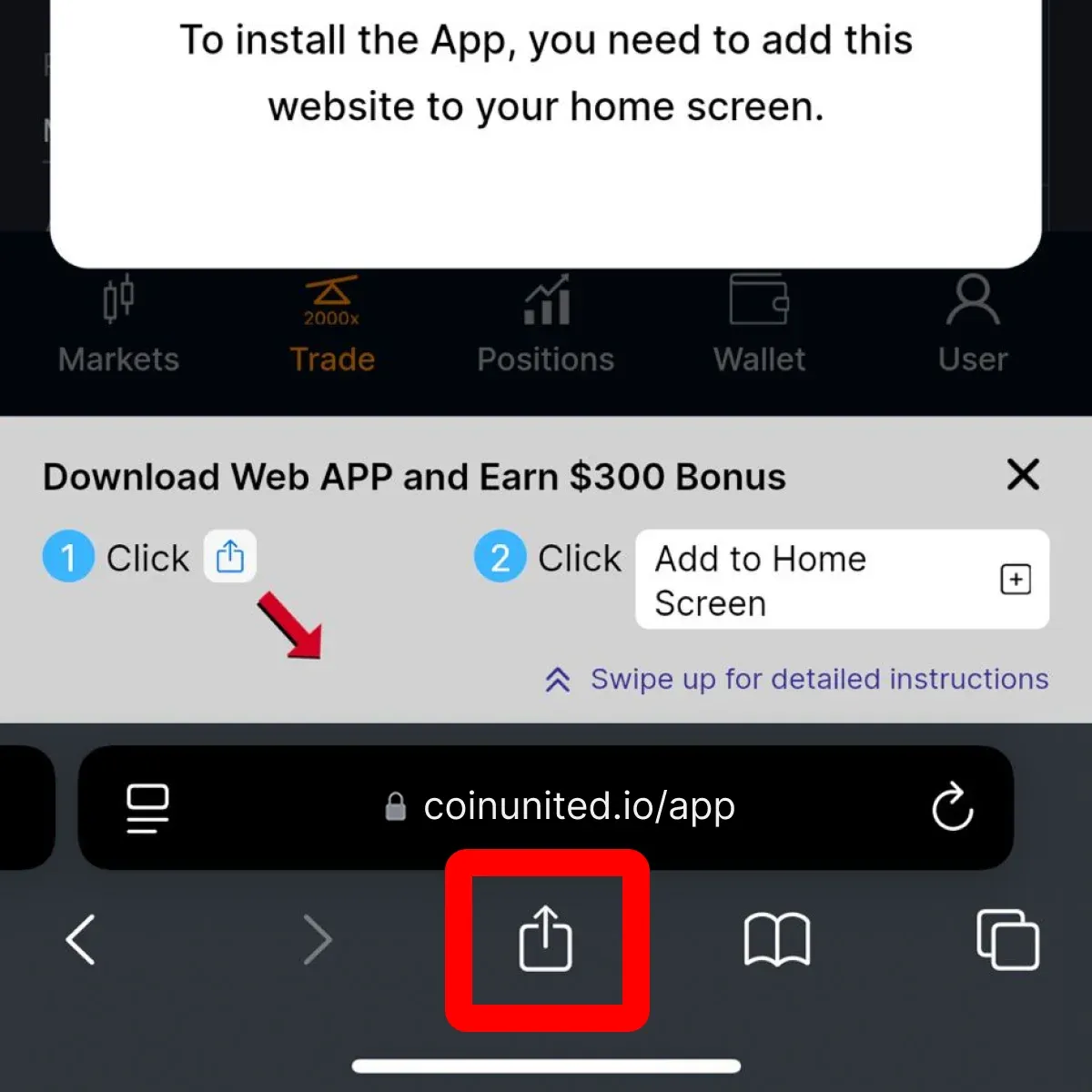
2. Then, scroll down and tap "Add to Home Screen"
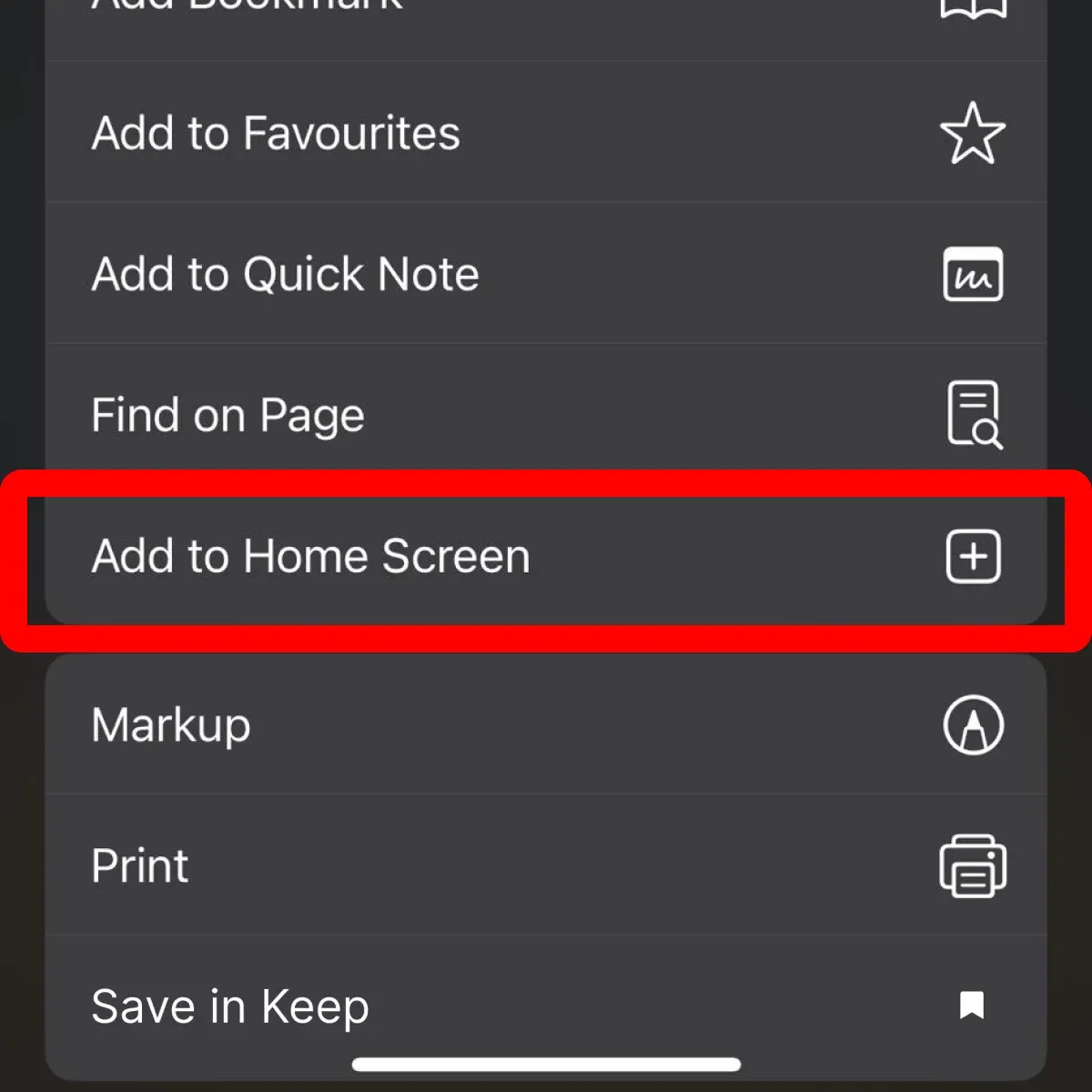
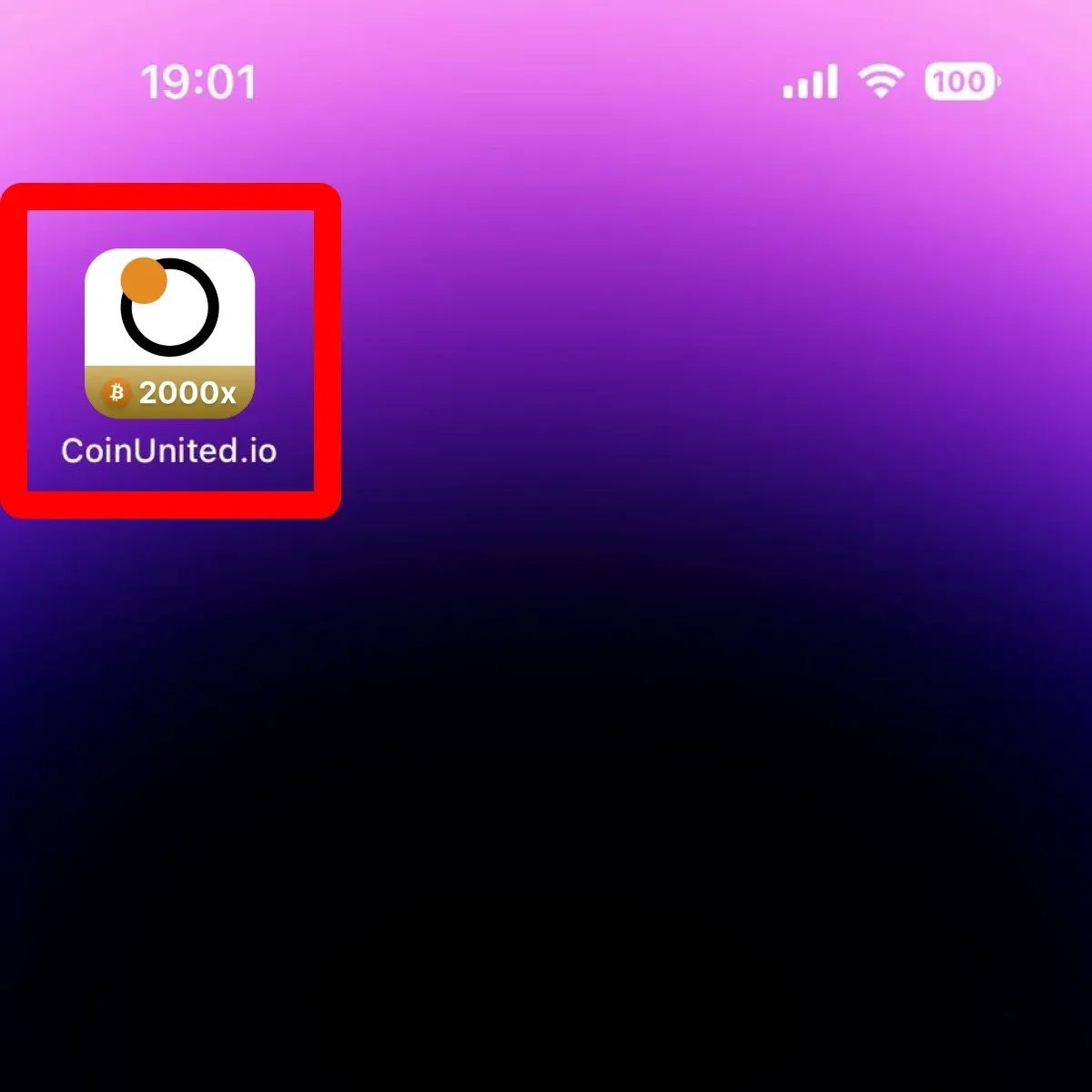
This will create an icon for the CoinUnited.io Web App on your phone's home screen for easy access.
Step 3: Open the Web App
1. Tap "Add"
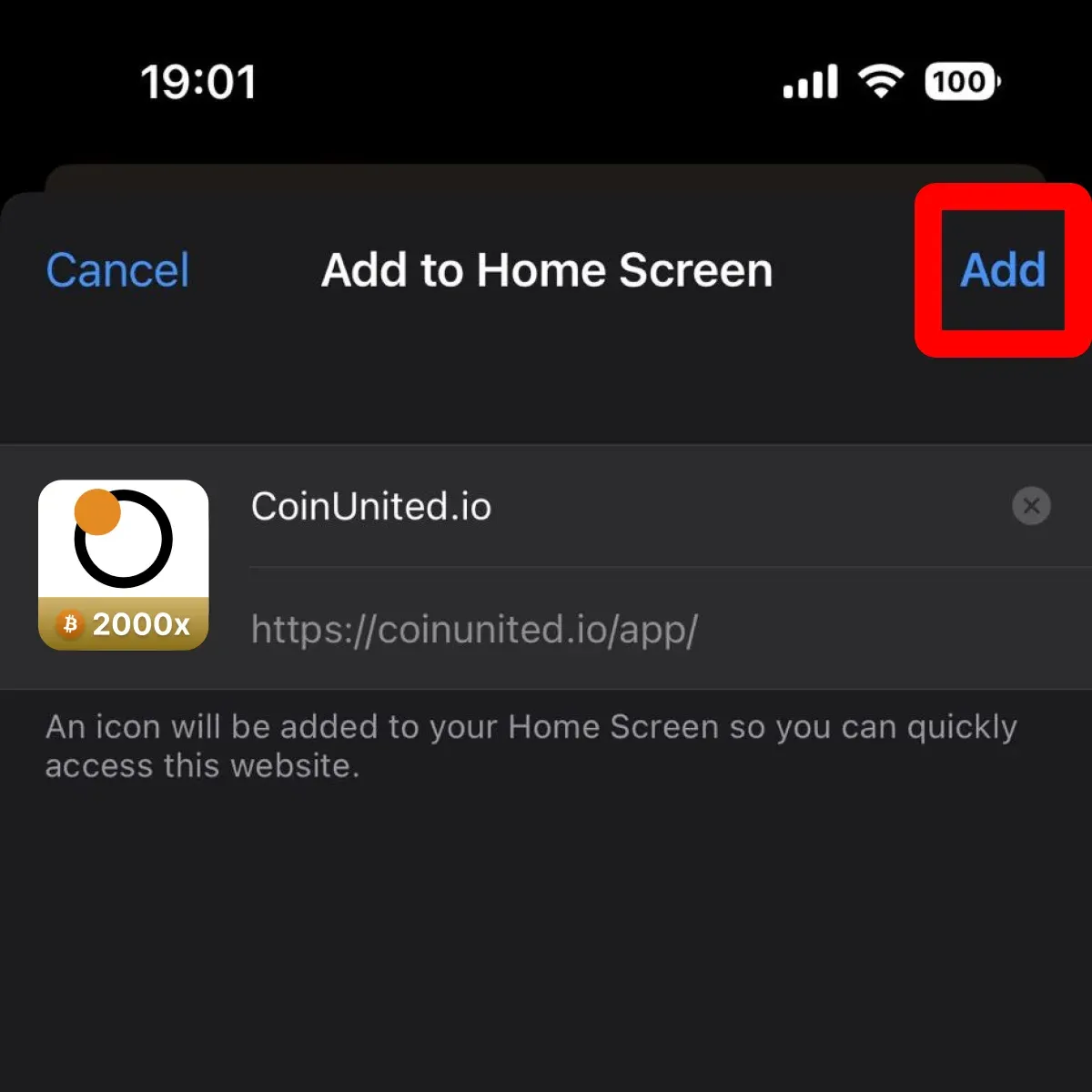
2. Tap the new CoinUnited.io icon to open and start exploring your new trading experience!
Need More Help?
For further questions or issues, please visit our Help Center or use our chatbot for assistance.
We're here to help. Happy trading!
Last updated September 30, 2026
Did this answer your question?