
How to Check My Trading Activity?
If you want to keep track of your trading activities, you can easily access all the relevant information in the Orders and Positions panel located at the bottom of your trading interface.
By switching between the tabs in this area, you can view the current status of your positions, as well as your currently open and previously executed orders.
CoinUnited.io APP
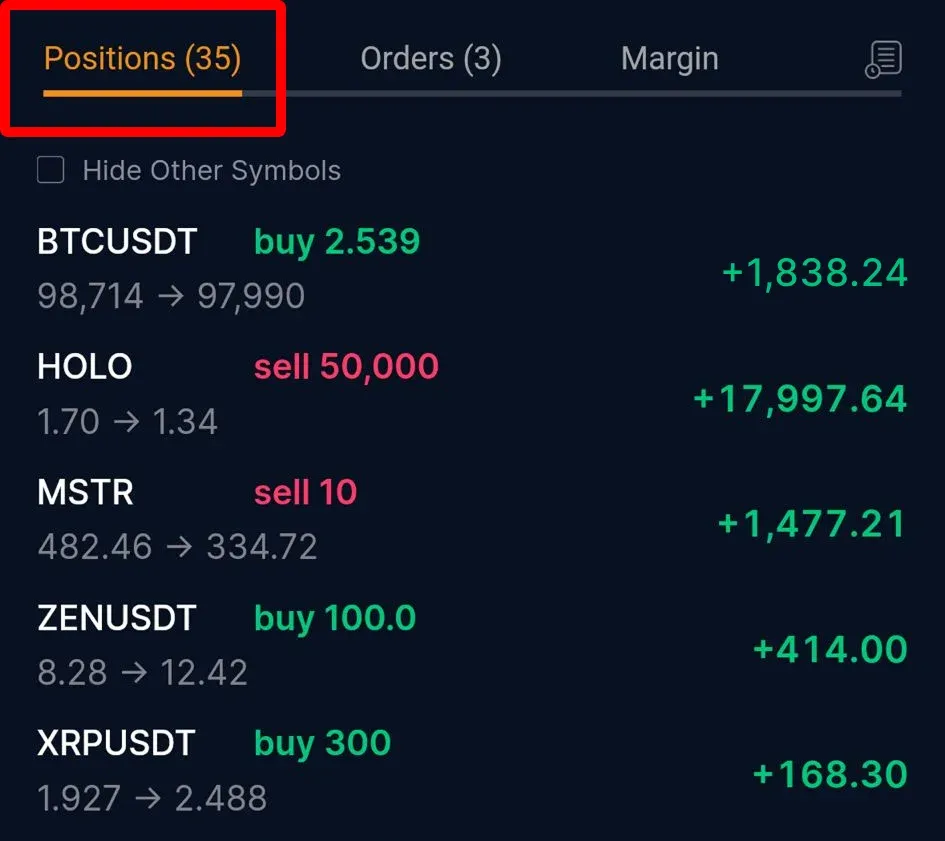
Positions:
You can view all open positions in this tab.
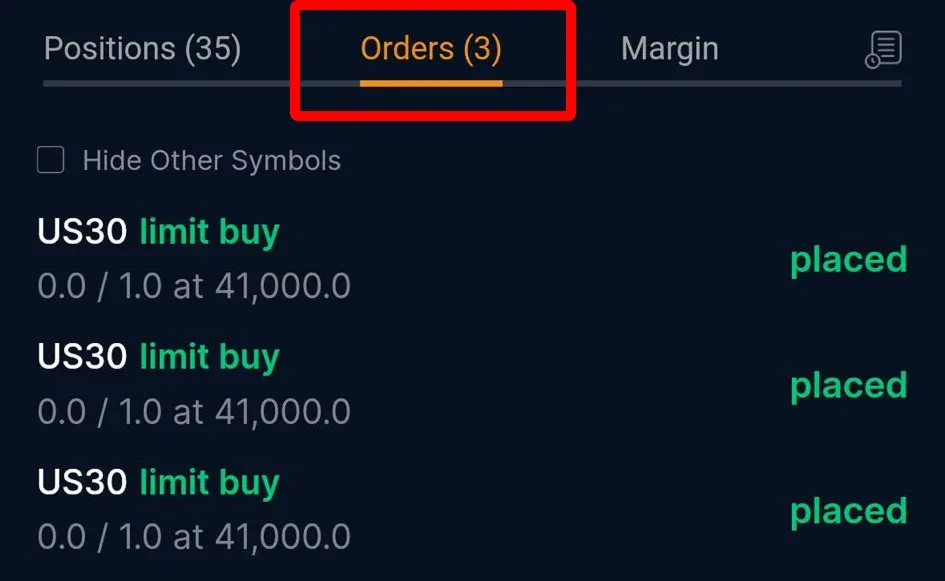
You can view the unfulfilled orders you have placed.
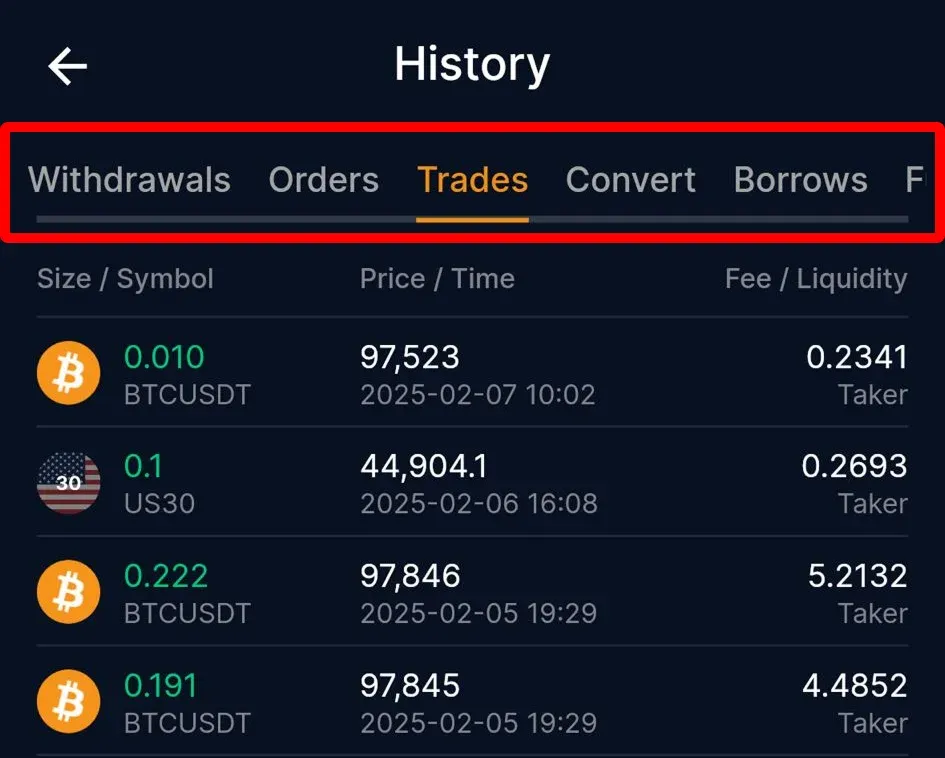
History:
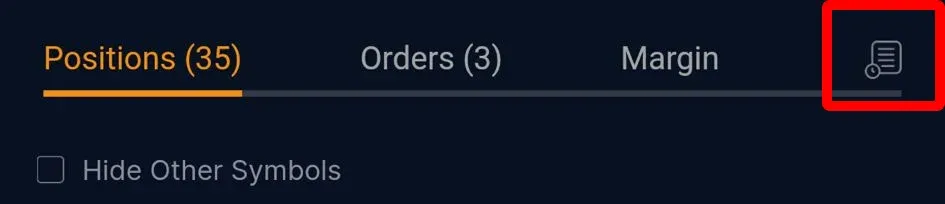
Click the "History" Icon, navigate to the history tab to view your trade and order history.
CoinUnited.io Web Platform
Positions:
You can view all open positions in this tab.

Open Orders:
You can view the unfulfilled orders you have placed.

Open Trigger Orders:
You can view the unfulfilled trigger orders you have placed.

There are two tabs in the Orders and Positions panel that you can access to view your trading activity history:
Order History:
This tab provides a record of all your order placements, including filled and unfilled orders, within a given period. It includes all order details, such as the time, market, size, price, and order type.

Trade History:
This tab displays the historical record of your actual position transactions, with only filled orders shown in this section. Like the order history, this tab shows all trade details, including the time, market, size, price, fee, and direction of the trade.

Need More Help?
For further questions or issues, please visit our Help Center or use our chatbot for assistance.
We're here to help. Happy trading!
Last updated August 21, 2026
Did this answer your question?