
How to Place Stop Loss Order and Take Profit Order?
Understanding Stop Orders on CoinUnited.io Futures
Stop Orders on CoinUnited.io Futures include both Stop Loss and Take Profit orders. The system automatically categorizes your order type depending on the Trigger Price relative to the Last Price at the time you place the order.

CoinUnited.io APP
1. Go to "Trade" and select a contract
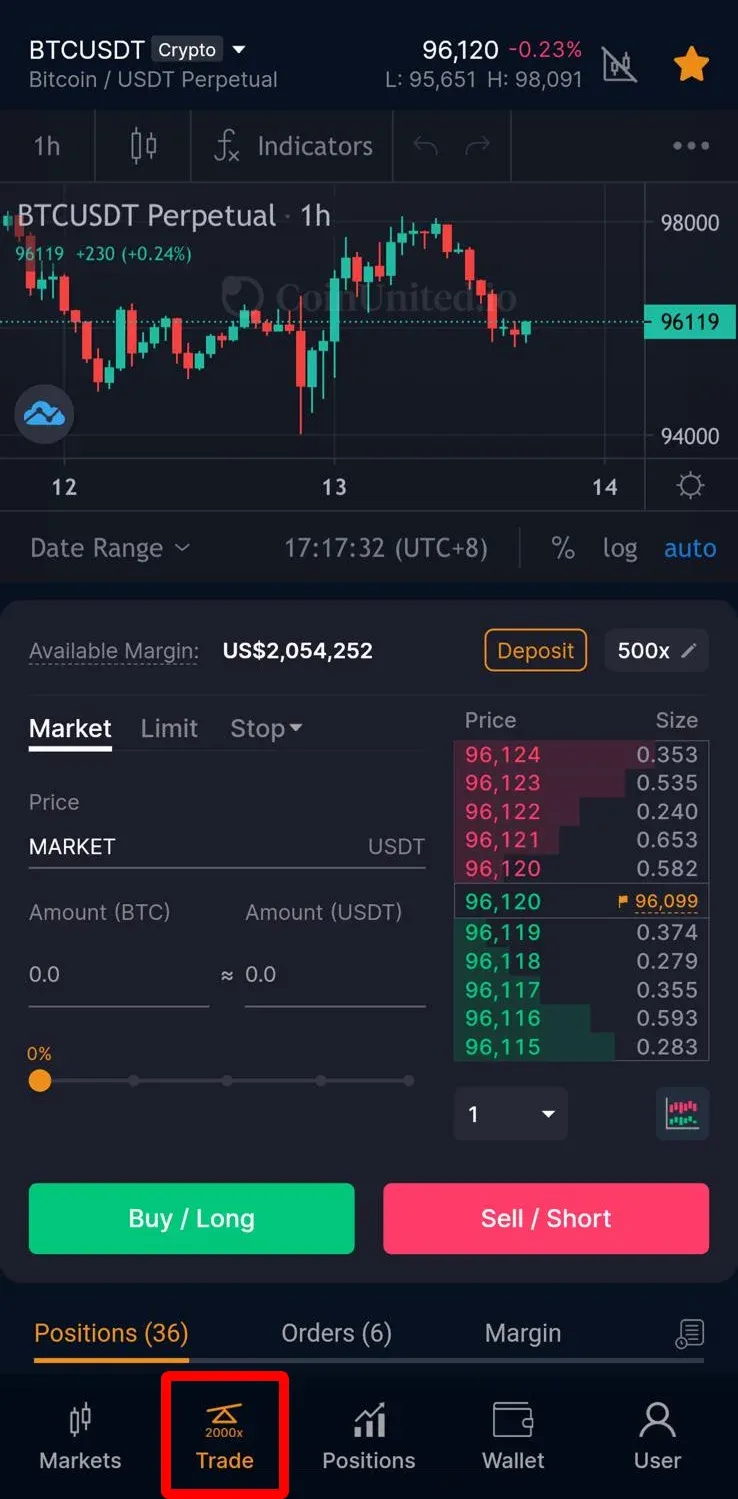
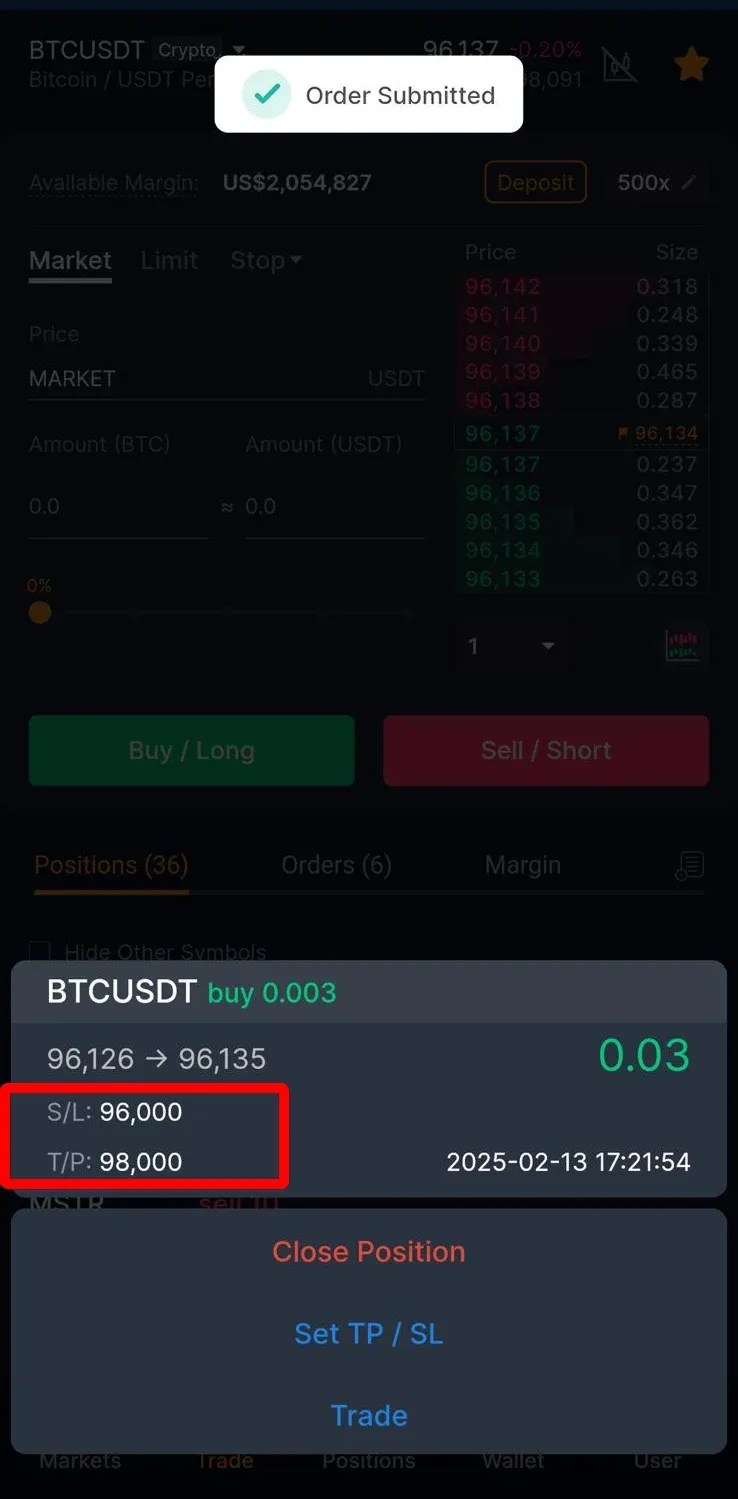
2. Scroll down to "Position" and select your position
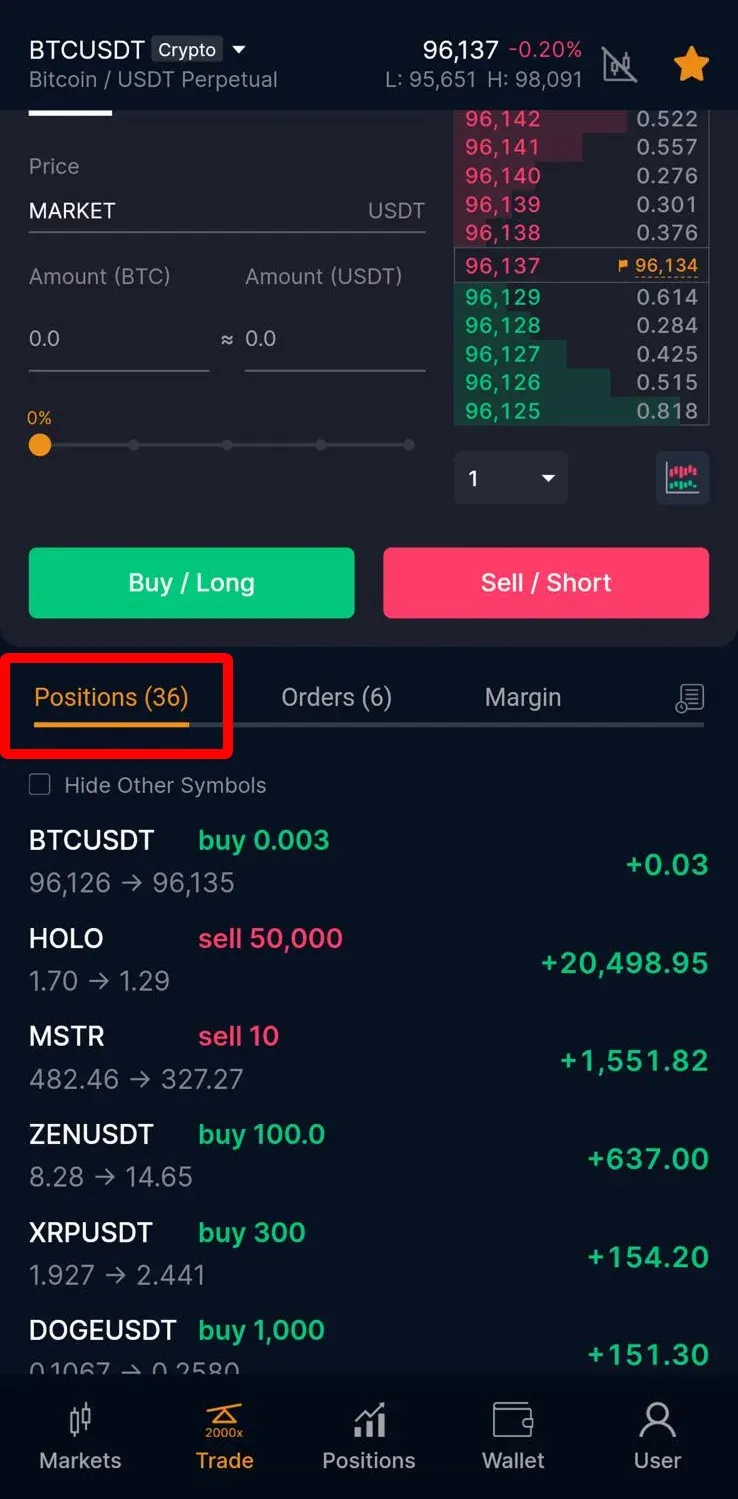
3. You can add "Take Profit / Stop Loss" order by clicking the "Set TP / SL"
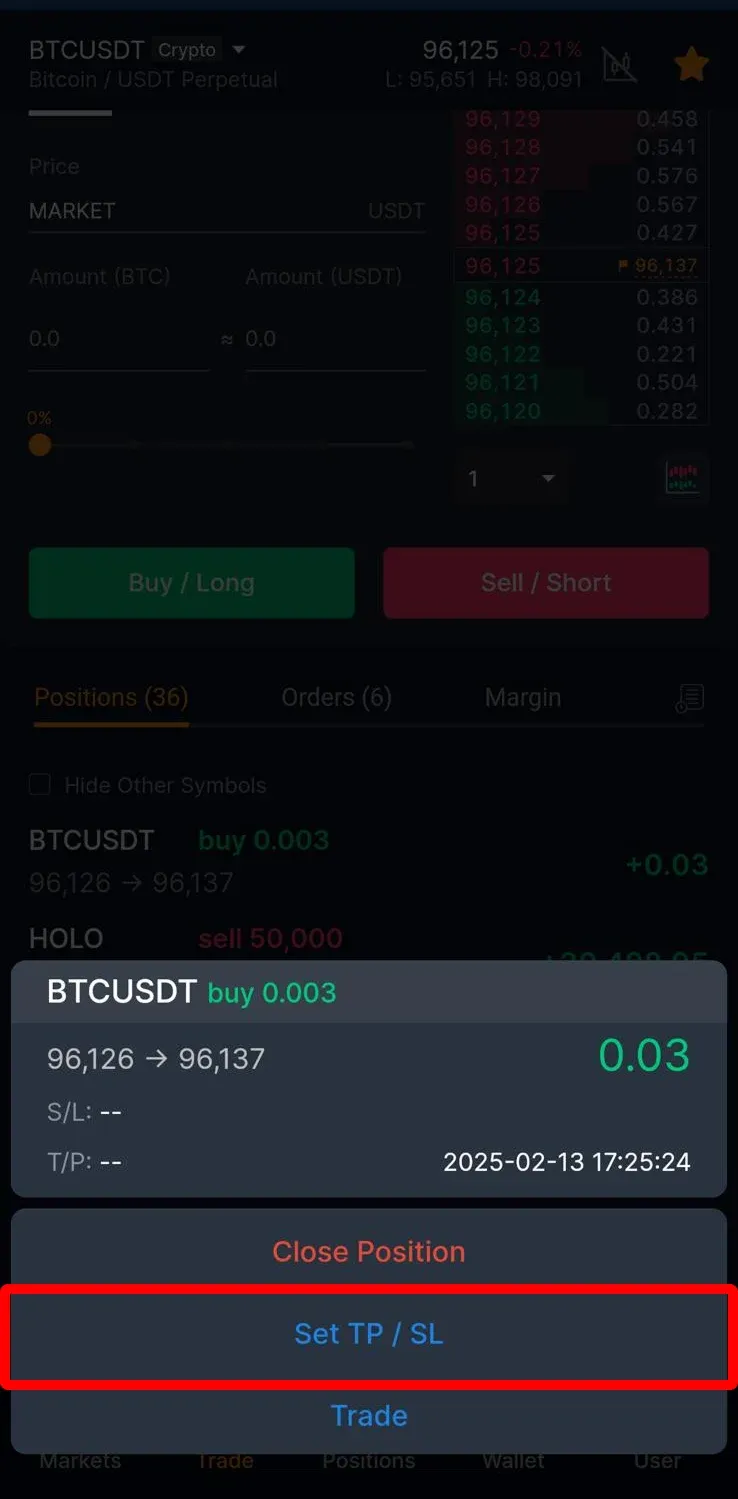
4. Enter the Price then press "Modify"
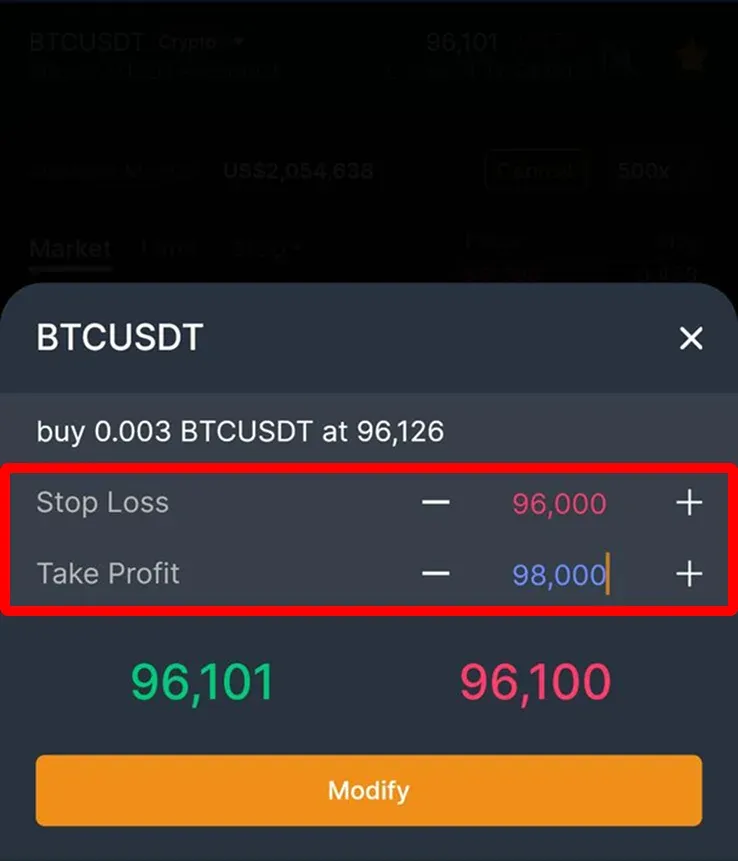
5. Your order is successfully placed.
CoinUnited.io Web Platform
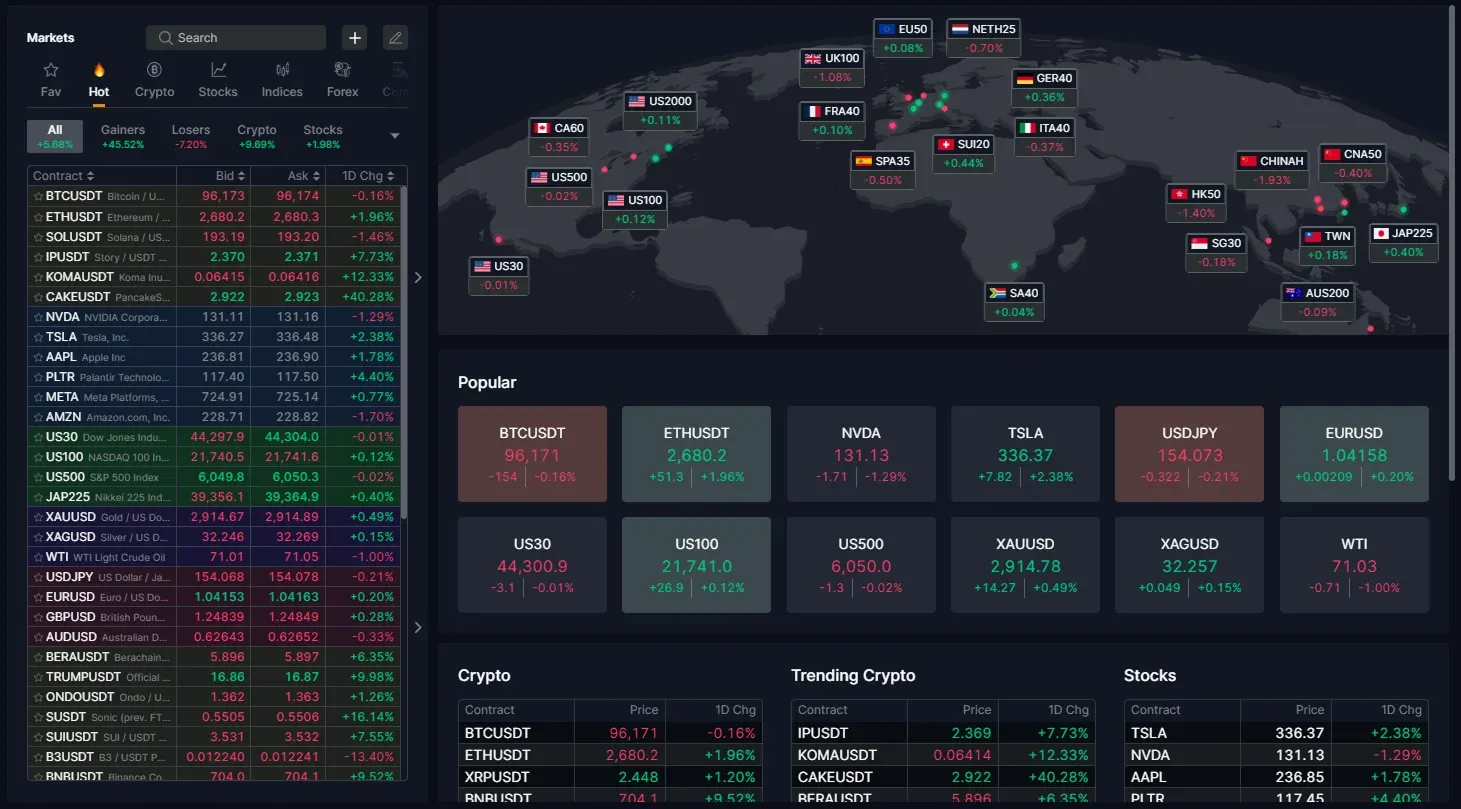
1. Go to "Markets"

2. Select a contract
3. Scroll down to "Position" and add "Take Profit / Stop Loss" orders

4. By clicking "Add" to enter the Price then click "Tick" to confirm

Your order is successfully placed.
Need More Help?
For further questions or issues, please visit our Help Center or use our chatbot for assistance.
We're here to help. Happy trading!
Last updated August 21, 2026
Did this answer your question?